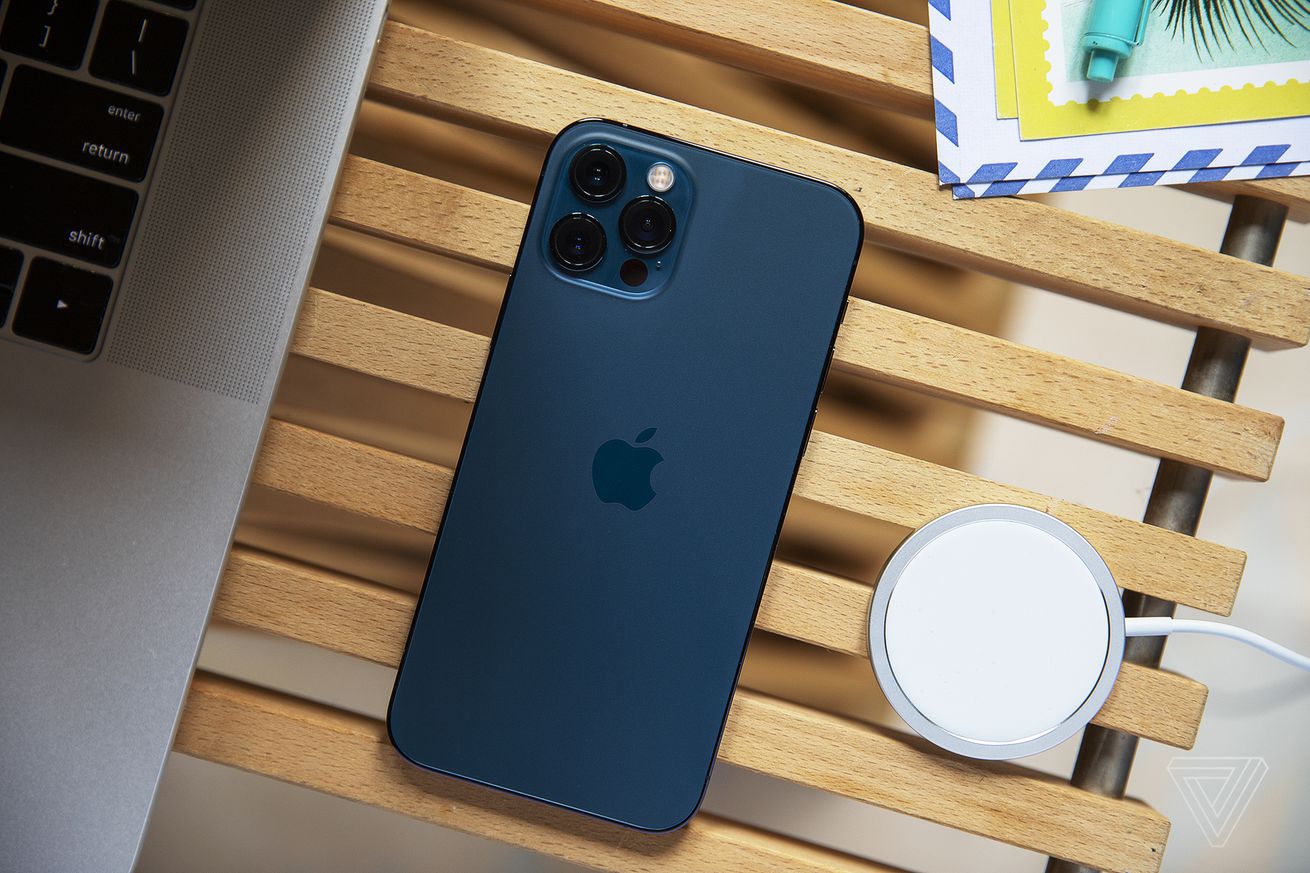
You can use your iPhone to drown out distractions with peaceful white noise by following a few steps. | Photo by Amelia Holowaty Krales / The Verge
There’s nothing quite like settling into a hotel room bed and dozing off to sleep — only to be woken up by the sound of your neighbor in the room next door trimming their nails at a hundred decibels or doing some late-night furniture rearranging.
For just these kinds of occasions, seasoned travelers will sometimes pack a travel white noise machine or use an app to help get a little peace. But if you’re carrying an iPhone running iOS 15, you’ve already got a white noise feature built right into your phone’s operating system. Here’s how to set it up. (For this article, I used an iPhone 11 running iOS 15.4.1.)
Go to Settings > Accessibility > Audio/Visual (under Hearing) > Background Sounds (basically, Apple’s term for white noise).
Keep it Clean. Please avoid obscene, vulgar, lewd,
racist or sexually-oriented language. PLEASE TURN OFF YOUR CAPS LOCK. Don't Threaten. Threats of harming another
person will not be tolerated. Be Truthful. Don't knowingly lie about anyone
or anything. Be Nice. No racism, sexism or any sort of -ism
that is degrading to another person. Be Proactive. Use the 'Report' link on
each comment to let us know of abusive posts. Share with Us. We'd love to hear eyewitness
accounts, the history behind an article.


(0) comments
Welcome to the discussion.
Log In
Keep it Clean. Please avoid obscene, vulgar, lewd, racist or sexually-oriented language.
PLEASE TURN OFF YOUR CAPS LOCK.
Don't Threaten. Threats of harming another person will not be tolerated.
Be Truthful. Don't knowingly lie about anyone or anything.
Be Nice. No racism, sexism or any sort of -ism that is degrading to another person.
Be Proactive. Use the 'Report' link on each comment to let us know of abusive posts.
Share with Us. We'd love to hear eyewitness accounts, the history behind an article.